Karma vs Redshift in Houdini: Which Should You Use?
A practical comparison of Karma (XPU) and Redshift for Houdini artists, speed, look, Solaris integration, and when each one wins.
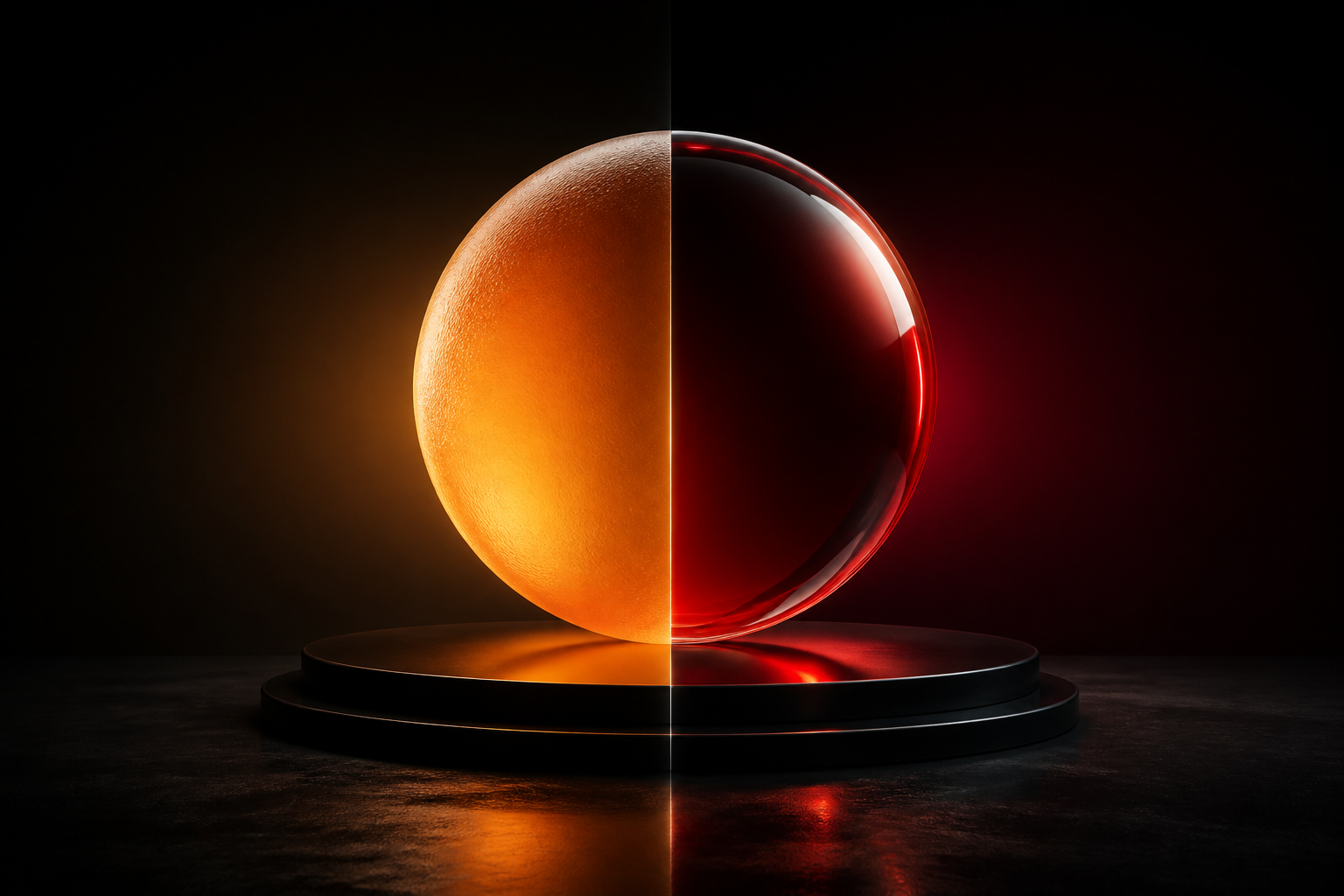
Both Karma and Redshift are excellent production renderers for Houdini. The right choice depends on your pipeline, hardware and the look you're after.
Redshift
Redshift is a mature, biased GPU renderer known for speed and a huge feature set.
- Very fast on a good GPU; predictable on heavy scenes with proxies.
- Deep, well-documented shading and AOV workflow.
- Great for motion design, product, and FX-heavy shots that need quick iteration.
Karma (XPU)
Karma is SideFX's own renderer, native to Solaris/LOPs and built on the USD/Hydra pipeline.
- Tight Solaris integration, no exporter friction.
- XPU uses CPU and GPU; CPU fallback for features GPU can't do yet.
- A natural fit if your scene already lives in LOPs.
How to choose
- Already on a strong GPU + iterating fast? Redshift is hard to beat.
- Building everything in Solaris/USD? Karma keeps the pipeline native.
- Look-dev and turntables? Either works, what matters is a clean rig (see our Solaris LookDev guide).
Most of our scene files are built so the lighting and AOVs translate between engines, the Studio LookDev Rig is Karma- and Redshift-ready on purpose, and the Procedural Metal & Embers scene ships rendered in Karma.
There's no universal winner, pick the one that keeps you iterating, and keep your scene engine-agnostic where you can.
Want the actual Houdini files?
Production scene files, HDAs and free video tutorials, built on real shots.