Houdini Solaris LookDev: Building a Studio Turntable Rig
How a reusable look-dev / turntable rig in Houdini Solaris speeds up shading and review, studio lighting, cameras and a clean LOPs setup.
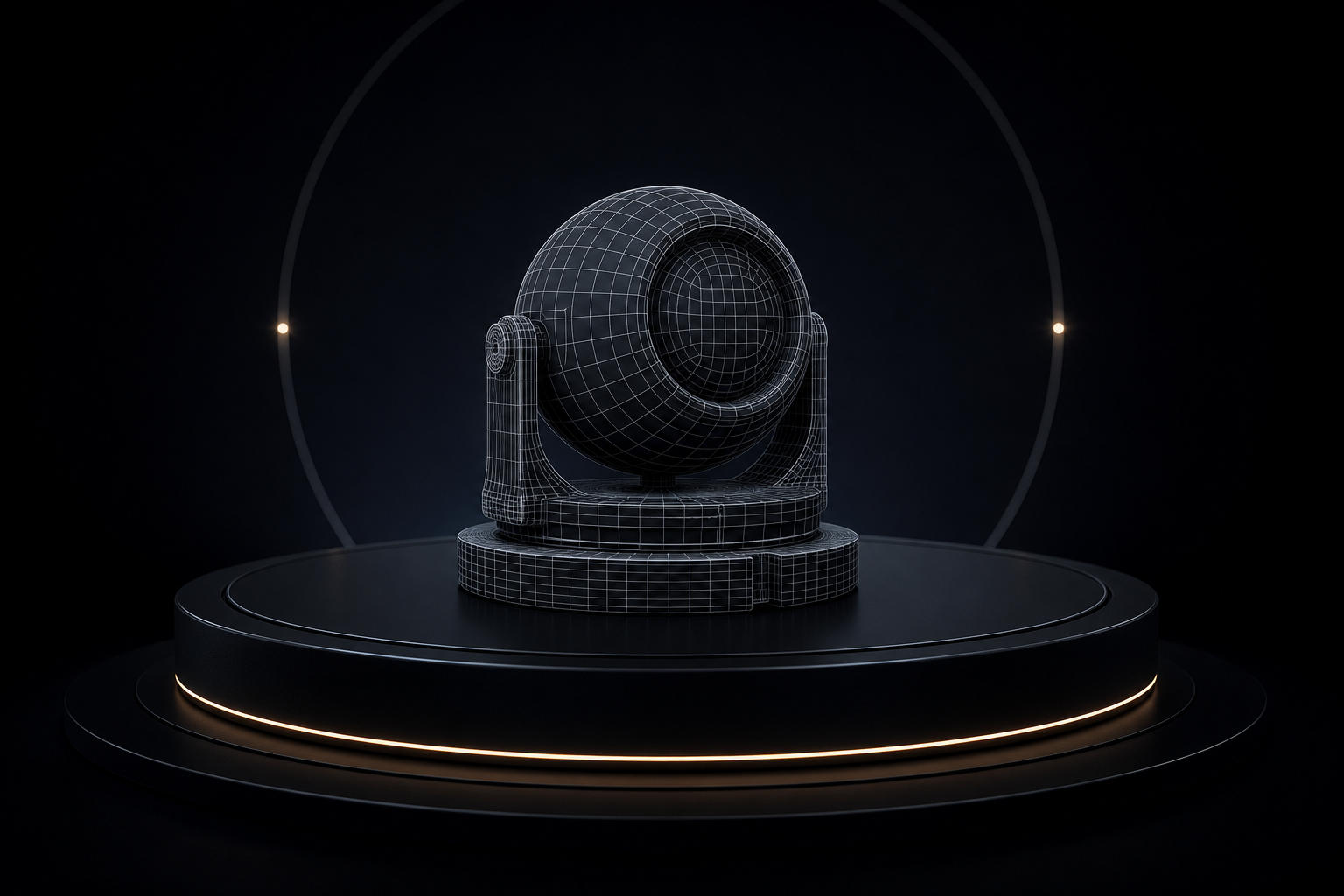
A good look-dev rig is the difference between guessing at a shader and knowing it reads correctly. In Houdini Solaris, a reusable turntable rig pays for itself the first day you use it.
What a look-dev rig needs
- Neutral, controllable lighting: a studio HDRI plus a few area lights you can solo.
- A turntable: rotate the asset (or the camera) over a fixed range.
- A backdrop that doesn't contaminate the read.
- Camera presets: consistent focal length and framing every review.
- Engine parity so the same rig works in Karma and Redshift.
Why build it in Solaris/LOPs
Solaris keeps the rig non-destructive and layerable: the asset comes in as a reference, the rig lives above it, and you can swap assets without rebuilding lights. It also means the same scene renders in Karma natively and in Redshift with minimal changes.
Skip the setup
Rebuilding this per project is wasted time. The Studio LookDev Rig for Houdini/Solaris is a drop-in rig, studio lighting, turntable and camera, Karma- and Redshift-ready, so you can light an asset in minutes instead of an afternoon.
Not sure which renderer to point it at? See Karma vs Redshift in Houdini.
A consistent rig means every asset is judged under the same light, which is the whole point of look-dev.
Want the actual Houdini files?
Production scene files, HDAs and free video tutorials, built on real shots.