All tutorials
Tutorial · free
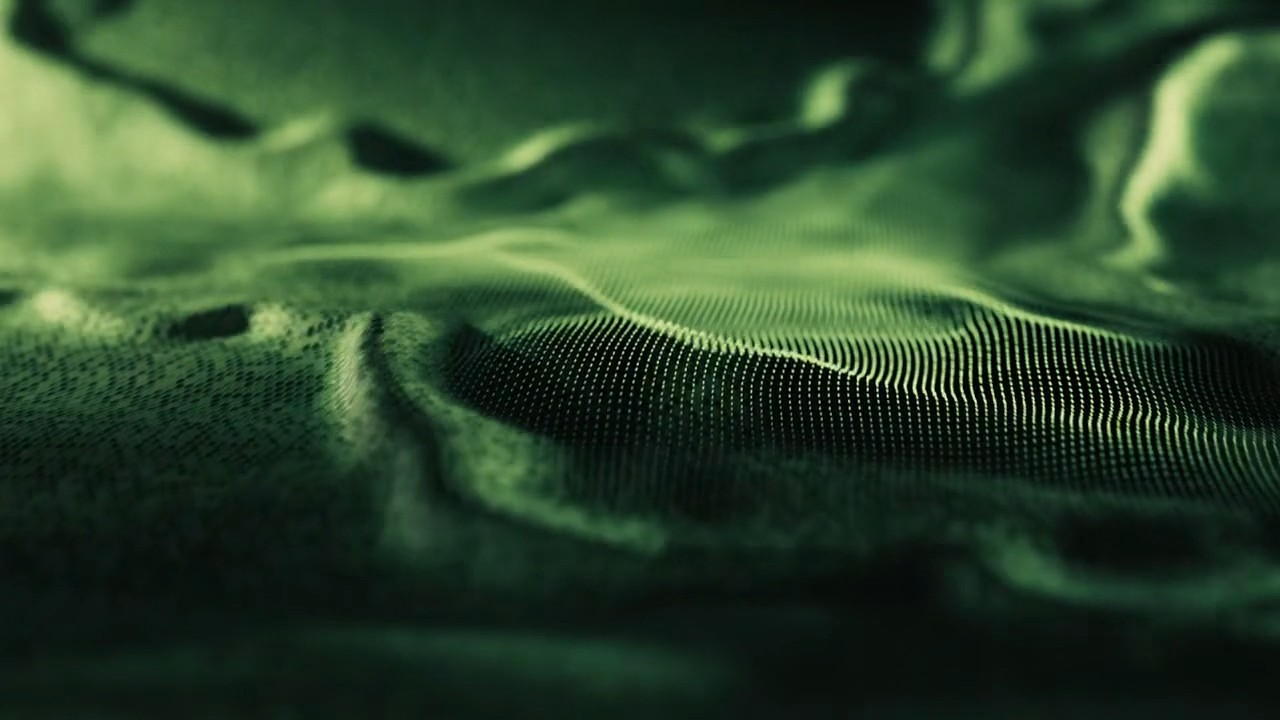
Points to Surface Morph in Houdini & Redshift
Build a points-to-surface morph in Houdini and light it in Redshift, a free two-part walkthrough.
HoudiniRedshiftMOPsVOPsProceduralMorphing
Project files for this tutorialPoints to Surface Morph + Free TutorialSkip the setup. Get the exact Houdini scene from this video.
$12.99Get it
Learn how to build a points-to-surface morphing animation in Houdini from scratch and light it in Redshift. A free two-part walkthrough for artists comfortable with the Houdini basics.
Part 1, building the effect:
• Procedurally modelling the surface
• Animated noise patterns with VOPs
• MOPs spread for the morph mask
• Deforming geometry with point VOPs
• Organising parameters and caching to disk
• Generating the final point cloud from the surface
Part 2, look-dev & rendering:
• Scene rig and Redshift ROP setup
• Optical camera with depth of field
• Custom Redshift materials, tiles and displacement
• Scene optimisation, camera animation and lighting
• Redshift colour correction and final render
Software: Houdini (SOPs, VOPs, MOPs) + Redshift. Part 2 continues directly from the video above.
Want to skip the setup? The exact Houdini .hiplc project file is in the project-files card above, open it, save it under a new name and adapt the morph to your own shot.
KEEP BROWSING