All tutorials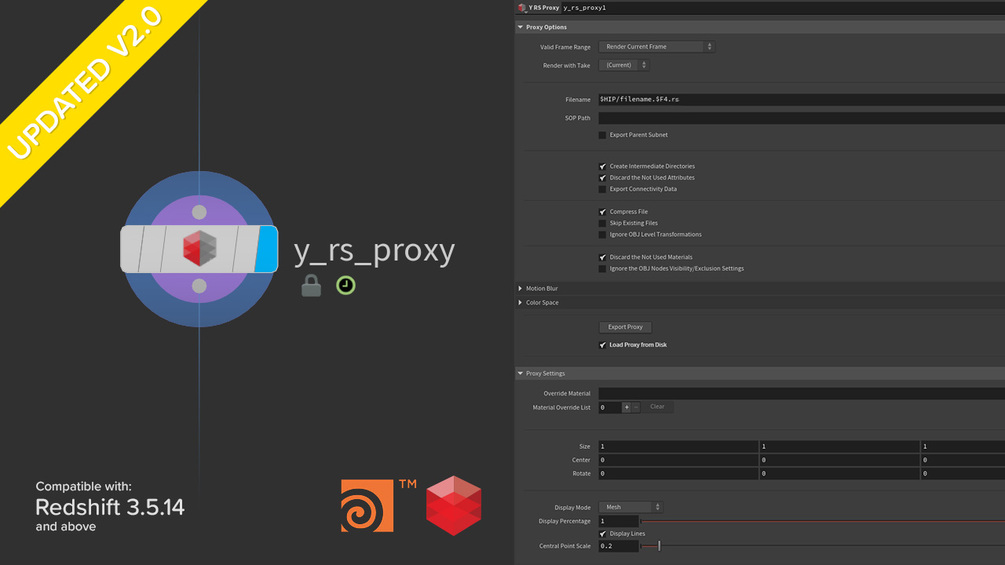
Tutorial · free
Redshift Proxy Export/Import HDA for Houdini
Use the Redshift Proxy Export/Import HDA to switch proxy/geo in one click in Houdini.
HoudiniRedshiftHDAProxyWorkflow
Project files for this tutorialRedshift Proxy Export/Import Utility 2.0Skip the setup. Get the exact Houdini scene from this video.
$1.00Get it
A quick Houdini walkthrough of the Redshift Proxy Export/Import HDA, effortlessly export and import Redshift Proxy files and switch between proxy and full geometry in one click, for a faster, lighter scene.
What's covered:
• One-click Redshift proxy export and import
• Seamless switching between proxy and source geometry
• A cleaner, more efficient look-dev and lighting workflow
Software: Houdini + Redshift. The HDA itself (latest version, tested with Redshift 2026.2.1) is in the project-files card above.
KEEP BROWSING